Give your still image somewhere to go.
Plan a short image-to-video clip around one clear movement.
Choose a strong first frame
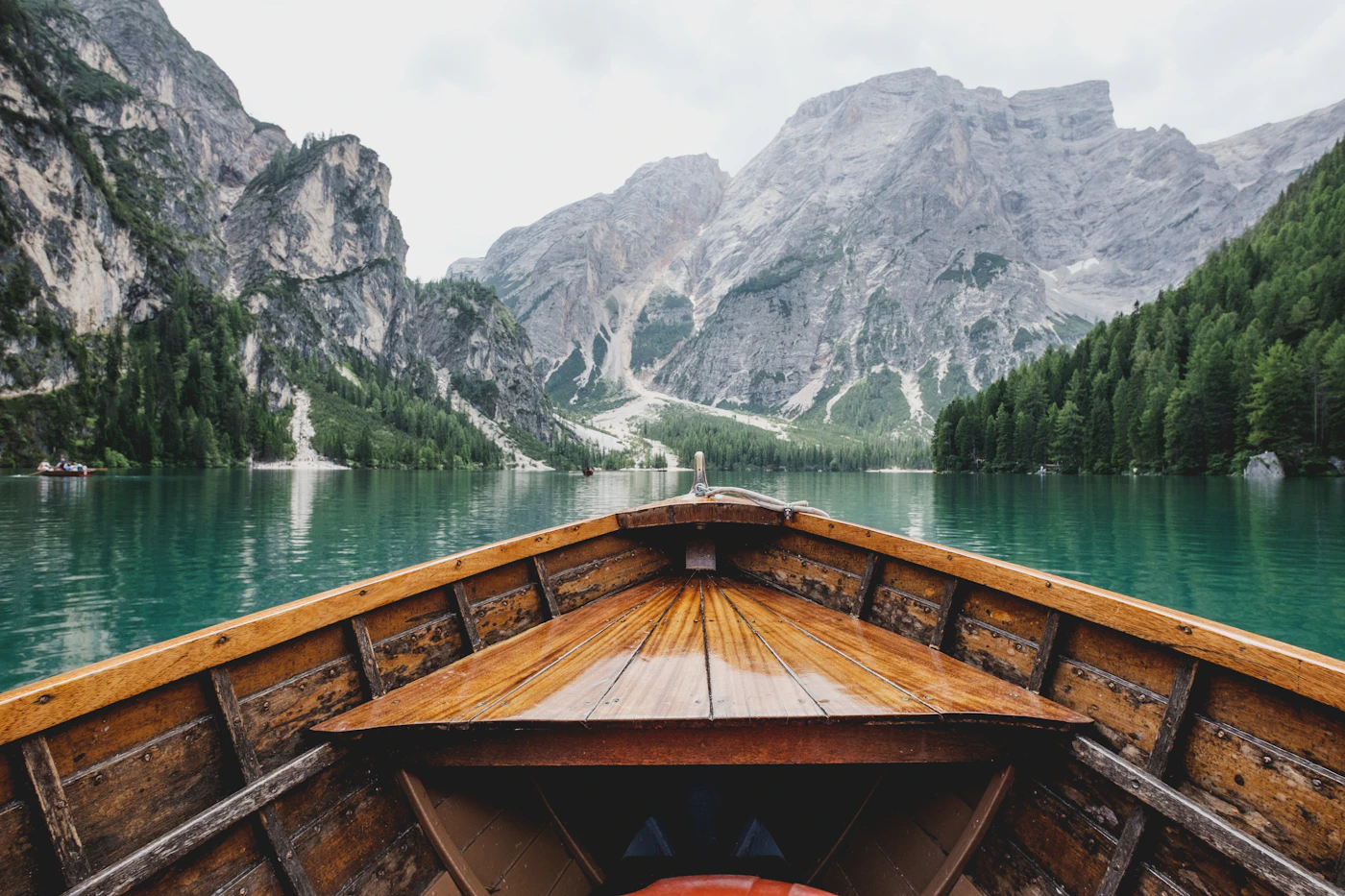
Start with an image that already has the composition you want. Leave room for movement around the subject. A cramped crop can make a camera move harder to control.
Direct one movement
Ask for one main action: a slow push-in, a gentle turn, or a breeze moving fabric. Keep subject motion and camera motion distinct in the prompt.
Start with five seconds
Test a short duration before requesting a longer shot. Review faces, hands, edges and scene continuity. Save the model, duration and prompt along with the MP4 result.
Take the useful moment
After generation, use the video editor to select a shorter clip or export a still frame. Browser trim output uses a supported format; video-generation output is required to be downloadable as MP4 before public launch.